
Ta treść jest dostępna w języku polskim. Zmień język

Enterprise-grade M365 backup solution that meets the highest cybersecurity standards. Protect your email, SharePoint, and OneDrive with a single system.





An automated M365 backup solution allows you to minimize incident costs that can reach as high as $4.4 million.
average cost of a data breach
of companies rely on manual backup; 38% use platform-native backup solutions or have no backup strategy at all
total downtime of critical SaaS platforms for DevOps in 2024
Secure your organization's data within the Microsoft 365 suite. Eliminate the risk of losing messages, attachments, contacts, and tasks in Exchange Online, files and folders in OneDrive, or SharePoint libraries.
Protected

Files and folders

Document libraries

Messages, attachments, contacts, tasks
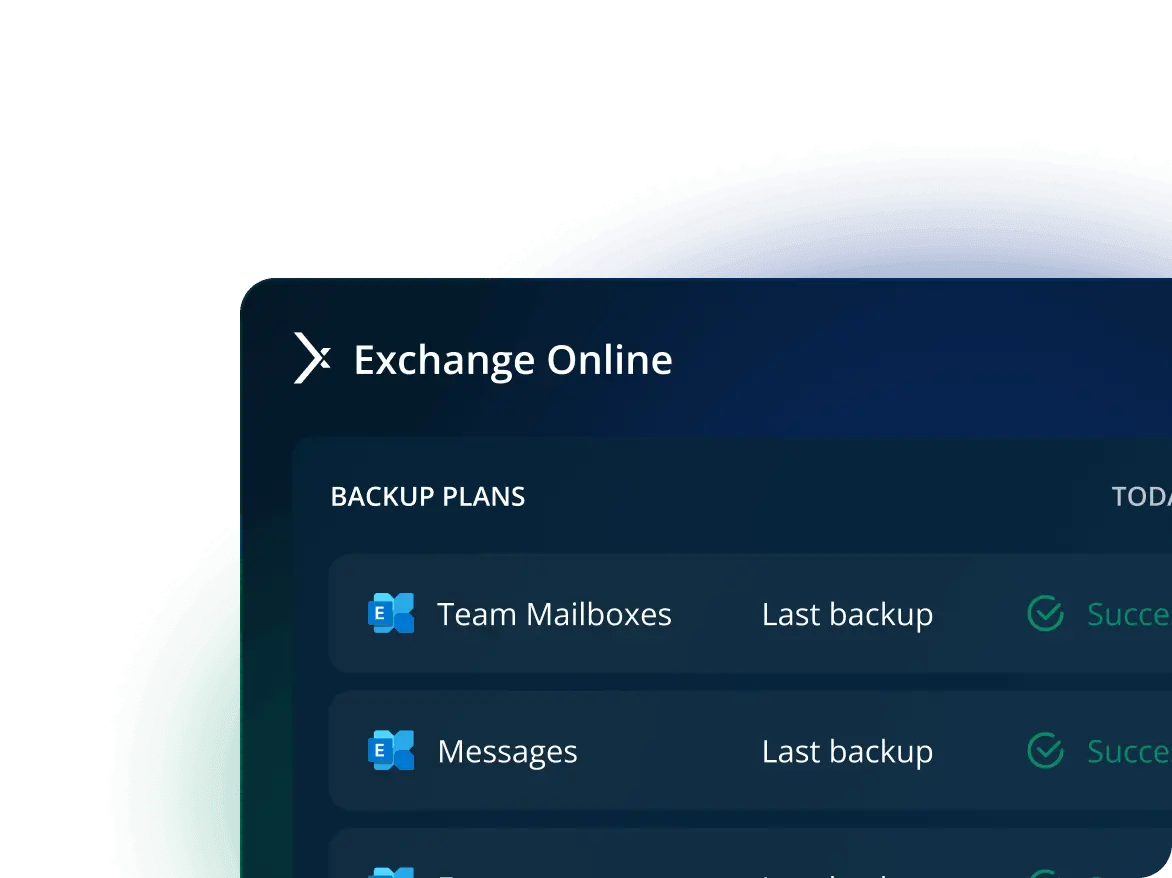
Protect messages, attachments, and contacts. Browse backup content and precisely restore selected items.
Schedule a demo
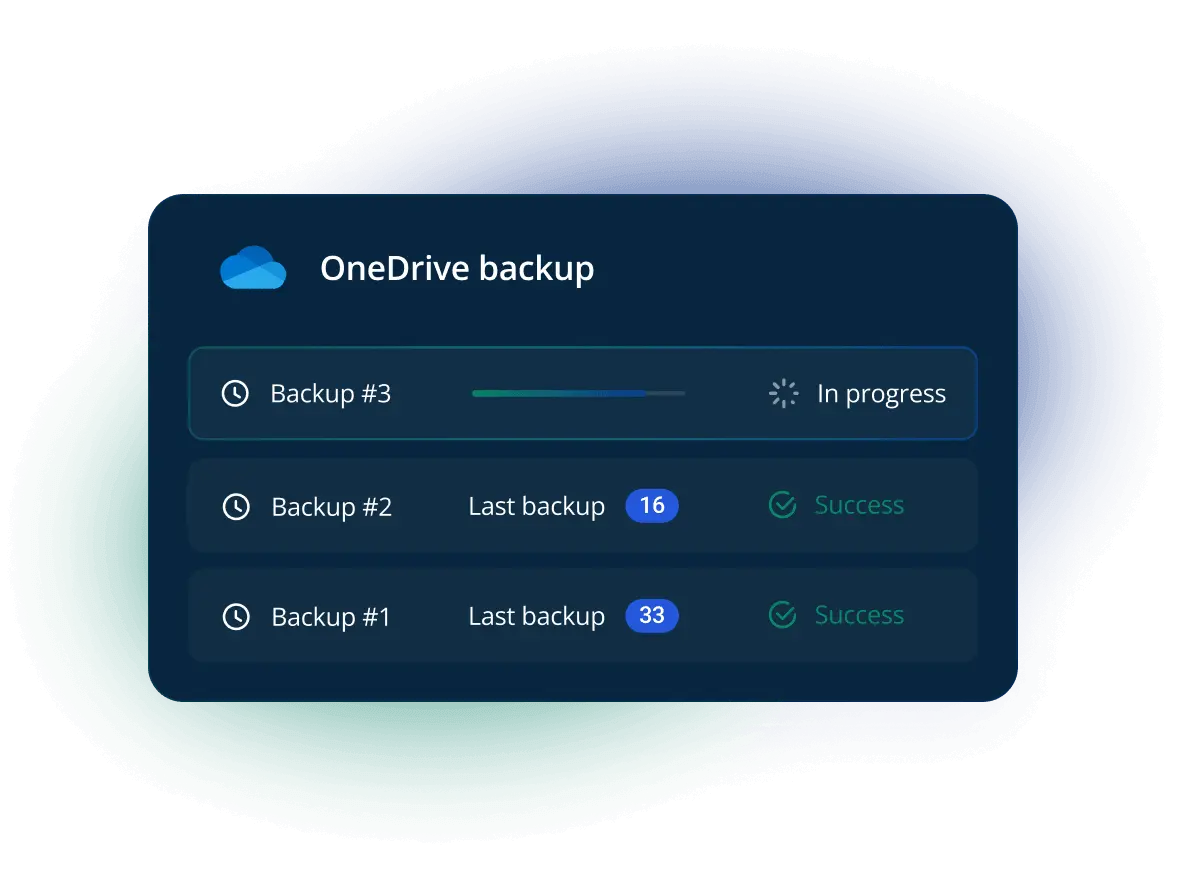
Secure files and their full permission structure. Download data directly from backup copies for instant access.
Schedule a demo
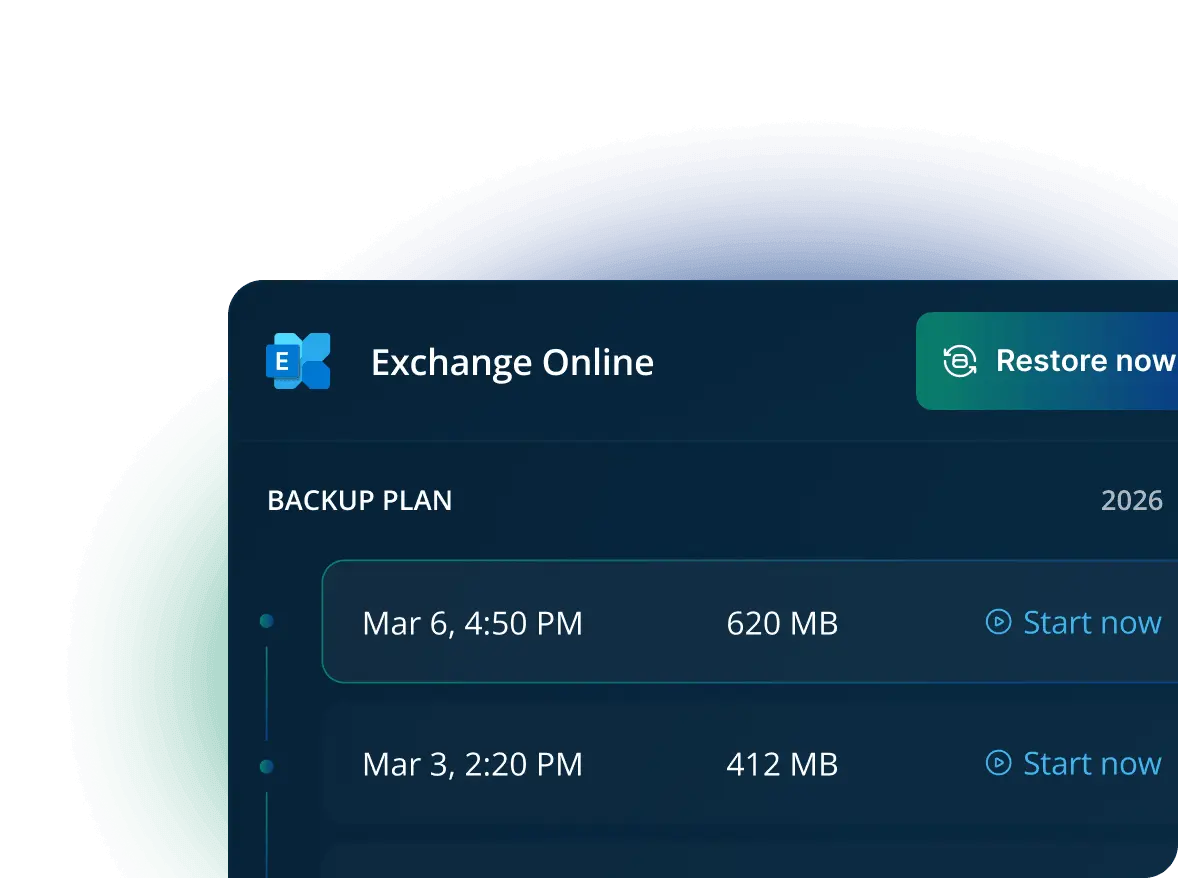
Minimize the risk of losing calendar schedules. Restore accounts and specific events to maintain your team's operational continuity.
Schedule a demo
Secure sites, document libraries, and lists along with their permissions. Restore entire resources or selected files to eliminate downtime.
Schedule a demo
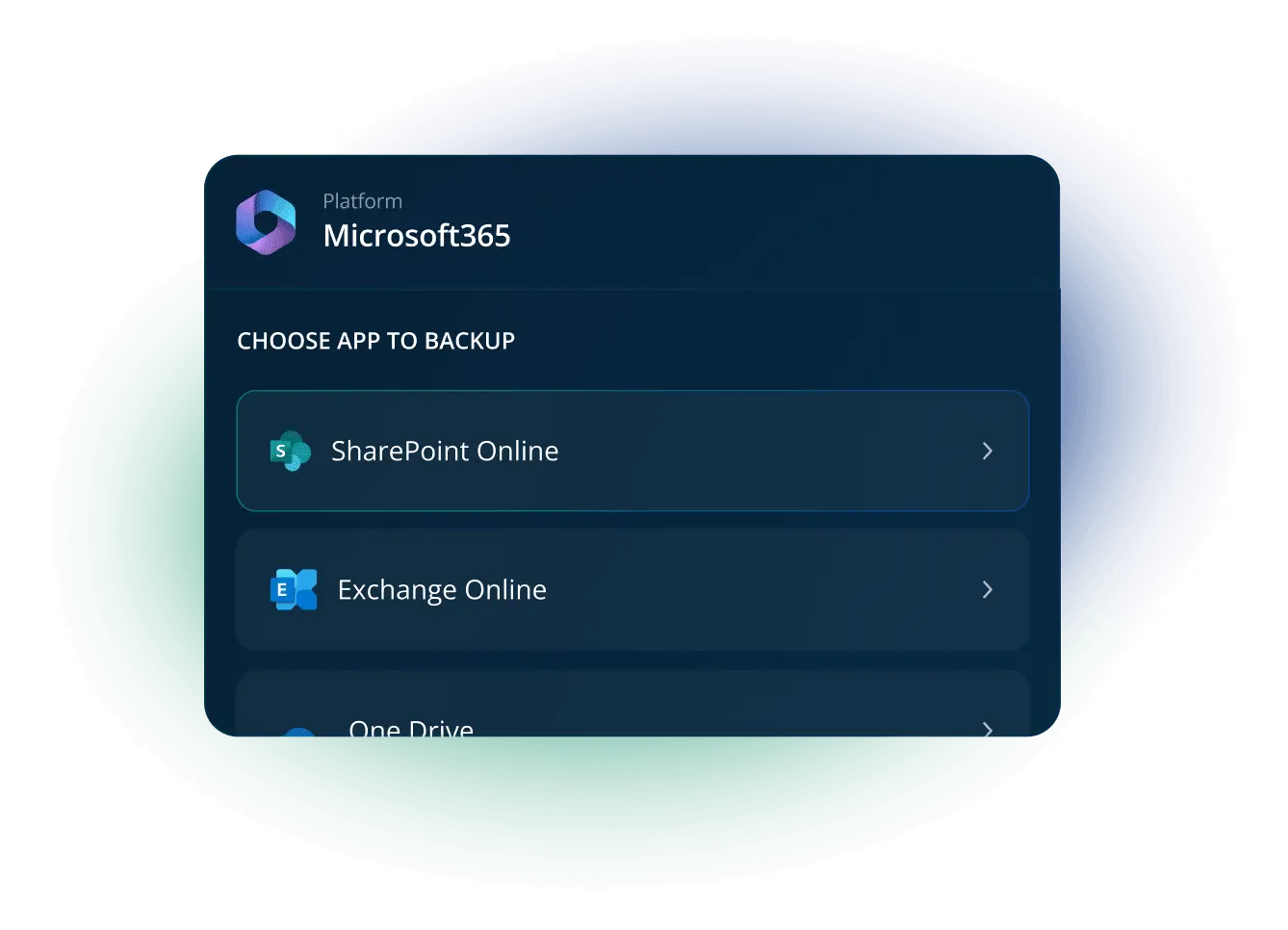
Ensure that your Microsoft 365 data remains accessible regardless of outages, cyberattacks, or accidental deletion. Xopero enables lightning-fast recovery – from individual files to entire environments – in compliance with your organization's security policy.
Restore entire mailboxes, OneDrive drives, files, and SharePoint documents, or select individual folders, emails, and attachments.

Restore data to its original location or any other location within Microsoft 365. Easily perform migrations between users and accounts.

Plan-based recovery, Bare Metal Restore, cross-platform recovery: our Smart Recovery data restoration technologies come included in the package.
Xopero allows organizations to bridge the security gap created by the Shared Responsibility model, ensuring they maintain full control over their SaaS data protection.

Address Shared Responsibility requirements by taking control of your M365 resources. Choose any data retention period and the optimal backup location (cloud, on-premise, or NAS).

Store M365 copies locally or in the cloud using simultaneous replication. Maintain the highest cybersecurity standards, including the 3-2-1 backup rule.

Manage permissions with predefined roles (RBAC) while applying MFA and SSO mechanisms. Monitor user activity and detailed backup process logs.

Secure your M365 backup with AES-256 and TLS 1.3 encryption. Meet data security-related compliance needs, including GDPR, HIPAA, DORA, and ISO.
Protect your organization’s M365 data, regardless of its size. Add your organization to Xopero, select the users and M365 apps to secure, and assign a predefined backup scheme or create a custom one, compliant with company policies.

Add as many users as you need or remove existing ones within your Microsoft 365 backup for automatic scaling.

Define data to be secured, choose your storage, and select a backup scheme. Custom settings allow you to schedule exact backup windows.

Zero throttling and maximum backup performance. Leverage compression, deduplication, and configurable retention policies.
Keep Exchange, OneDrive, and SharePoint safe. Trusted by Fortune 500 enterprises.

With unlimited retention, you can access data from any time and ensure regulatory compliance.

Access in-depth insights and detailed logs for streamlined health checks and better reporting.
System Admin
The manufacturer's tailored approach and very efficient support during tests influenced our decision to purchase the solution.
IT Manager
Thanks to the various possibilities of backup performance - data restoration is highly efficient and hassle-free.
Chief Electrician for CME
Thanks to Xopero Software, we managed to meet compliance with underground mining industry standards.
ICT Specialist
Numerous options for customizing plans, user groups, backup types - it’s just a quick glance; we can be sure that everything is protected.
Head of the IT Department
Xopero Unified Protection is a reliable solution that has significantly improved our approach to backup and data protection.
Senior IT Specialist
Xopero Unified Protection is a comprehensive solution that protects our data from ransomware encryption and makes backup management and data recovery simple.
 Ana K.
Lead automation engineer, Small-Business
A complete package for all the backup and securing data purposes. For me, there are no dislikes for now.
Aarav A.
Data Analyst, Mid-Market
The support provided by the tool is excellent—the team is knowledgeable enough, and they provide 24*7 support.
Vaishali A.
Operations Executive, Enterprise
It is the best tool for backing up data and data security. It works well with all kinds of operating systems, such as Mac, Linux, Microsoft, etc.
Computer Software Industry
Small Business
No need to invest in physical servers as [Xopero ONE] has cloud-based management—there is a secure Xopero cloud to keep the management service. Backups can be stored on nearly any storage.
Pranay M.
Senior Executive Talent Acquisition, Mid-Market
Very easy to use and can be used across various platforms. Backup of data can be done in a simple manner.
 Leroy M.
IT Computer & Network Security
Xopero ONE is easy for implementation on-premises and in the cloud. It quickly creates backups for endpoints and servers. [and offers] fast and easy restore on virtual machines and Bare Metal.
Łukasz D.
IT Administrator
With this software, I have been able to create a complete backup system and not have to constantly check to see why copies are not being made.
Shashwat V.
Software developer
It [Xopero ONE] offers reliable cloud storage, flexible scheduling, and efficient recovery processes, ensuring data is always secure and easily accessible.
Zsombor L.
IT Project Manager, Computer Software
Xopero ONE has become a game-changer, especially in cases like the crash of our server, where we seamlessly restored our virtual machines without a hitch. The security it offers has transformed our disaster recovery strategy
Associate Flutter Developer
Computer Software
Xopero ONE shines in its focus on usability. The user-friendly interface makes it a breath of fresh air compared to complex backup solutions. For businesses that prioritize ease of use, it's a clear winner.
Łukasz T.
Cybersecurity specialist, Computer & Network Security
Easy configurable and easy to implement in your infrastructure. Has all the features you actually need in your backup software.
Flavien V.
Cybersecurity specialist, Computer & Network Security
What seemed the most remarkable about Xopero ONE is the broad coverage of sources for protection: endpoints, servers, virtual machines, and cloud services.
Artur Ś.
Administrator IT, Outsourcing/Offshoring
Xopero is easy to implement and use. Works well with NAS. You can run the copy as a virtual machine.
Patryk B.
IT Science, Information Technology and Services
Very advanced, configurable and helpful. Mid-tier cost, a lot of notifications if something happens.
 Software Industry
Data and Analytics
The things I like about Xopero One the most are: its flexibility, ease of use, and robust disaster recovery options. All of this makes it a reliable choice for comprehensive data protection.
Energy and Utilities
IT Security and Risk Management
Great for backups in OT environments. Easy to use, reliable, compliant with cybersecurity standards—all that I need.
IT Services
Sales and Business Development
I appreciate contact with the vendor. Professional knowledge, easy interface for admins, multifunctional system, available for small businesses.
IT Services
Customer Service and Support
What I like the most is its centralized management that makes it easy to handle backups for multiple clients in one place.
Peer Insight Reviewer
IT Services
Easy to use, fast to deploy! Good encryption, many options and features that are easy to find and configure.
IT Services
Sales and Business Development
[Xopero ONE] has various subscription models and the perpetual license option that others are slowly phasing out. Intuitive design and user-friendly interface make backup and recovery processes straightforward.
Best-in-class security for Exchange, Calendars, OneDrive, SharePoint. Trust the solution that protects prestigious Fortune 500 companies.
Have more questions? You can find all the information you need here.
While public clouds are undeniably well-protected, no provider can guarantee 100% availability and reliability. Microsoft 365 promises 99.9% uptime for Exchange Online, SharePoint Online, OneDrive for Business, and Microsoft Teams.
However, Microsoft does not assume responsibility for user data stored in the cloud. This is the essence of the Shared Responsibility Model. Without an independent backup, your organization remains exposed to risks such as:
Given these factors, data stored exclusively within M365 cannot be considered entirely secure.
Xopero enables the backup and recovery of the following M365 components:
There are no limits regarding protected M365 users if you use Xopero backup. Regardless of the size of your Microsoft environment, you can perform a complete backup and recovery.
No, you can use Xopero’s scheduling features to automate backups, ensuring the process does not impact the performance of your tenant or Microsoft 365 applications during business hours. The schedule is configured while defining your backup plan. Learn more
We secure your resources through a multi-layered strategy known as our spherical approach to backup. The SphereCyberX architecture encompasses several cyber-resilience technologies and layers that define Xopero:
Xopero offers full flexibility regarding where and how the data is stored.
M365 backup data can be stored in the cloud—we support various providers including Xopero Cloud Storage, AWS S3, Wasabi, Google Cloud Storage, Azure Blob Storage, Backblaze B2, and other S3-compatible storage.
We strongly recommend using more storage options Xopero allows, including local directories, SMB share, or Network Attached Storage (NAS). This is perfect for adherence to cybersecurity standards (e.g. 3-2-1 backup rule), corporate policies and compliance.
Data Compression – You can select the algorithm and compression level to achieve the optimal balance between processing time and storage savings.
Deduplication – When the system identifies multiple instances of identical resources—such as sites, folders, or libraries—it stores one unique copy. This reduces storage consumption based on the volume of redundant data.
Retention Policies – You can configure specific retention policies to decide how long backups are kept and in what format (full, incremental, or differential), allowing for optimization of the storage environment.
Yes. With Xopero, you can restore exactly what you need with full granularity. Quickly locate and recover individual emails, files, or sites to eliminate downtime and reverse accidental deletions instantly.
Xopero ensures compliance across backup, retention, and data recovery frameworks, including business continuity standards.
Beyond core obligations, our advanced technologies—such as data isolation, encryption, and flexible storage policies—directly support the specific requirements of GDPR, HIPAA, NIS2, DORA, and ISO 27001.
Furthermore, integrated logging and reporting features enable you to fulfill mandatory obligations for documenting security measures, reporting incidents, and maintaining comprehensive audit trails.

