
Ta treść jest dostępna w języku polskim. Zmień język

Ensure cyber resilience for your VMware environment. Protect VMs from data loss and minimize downtime.





Xopero provides comprehensive protection and recovery for VMware virtual environments, regardless of scale or complexity.

Reliable VMware protection

Scalable protection for distributed infrastructures

Advanced ransomware protection

Multiple recovery scenarios

Local technical support
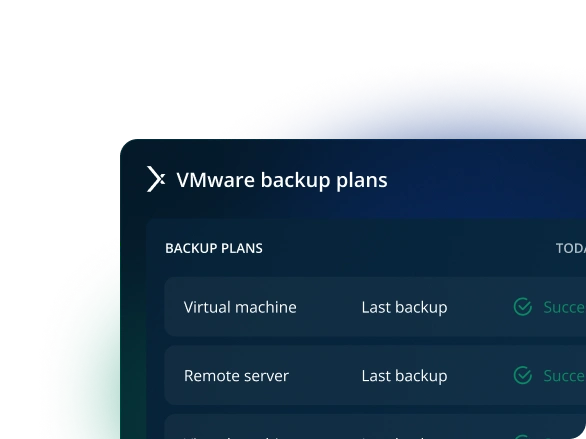
Xopero secures VMware for any number of ESXi/vSphere hosts and VMs.
Schedule a demo
Streamlined setup for your VM backup system for better performance and faster recovery.
Schedule a demo
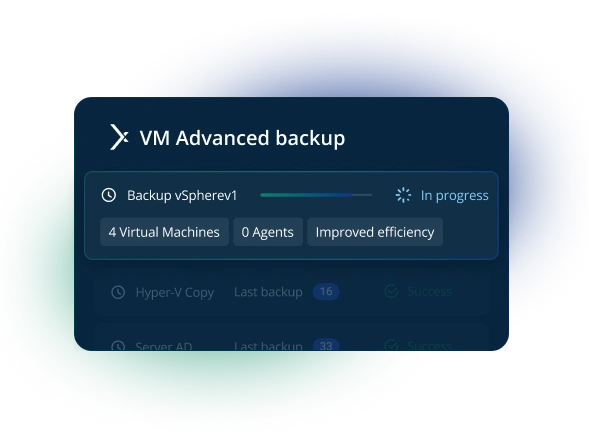
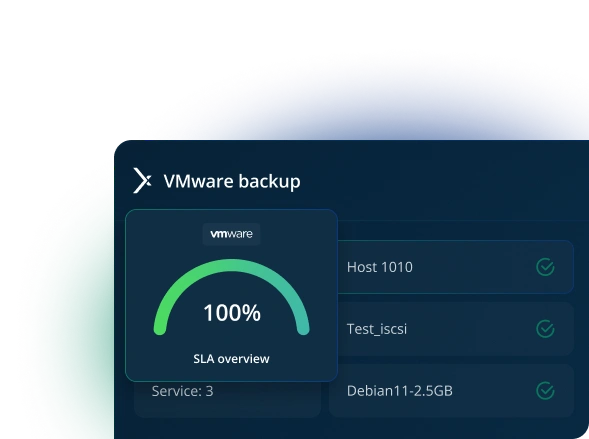
Flawless, consistent VM copies including RAM content or power state.
Schedule a demo
Store VMware backups in the cloud, locally, or in multiple locations simultaneously.
Schedule a demo
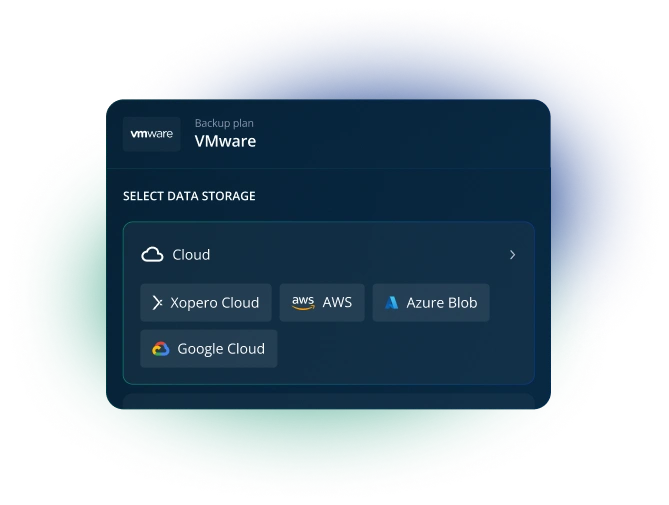
Xopero provides comprehensive protection for VMware virtual environments to enable swift recovery after any type of disruption.
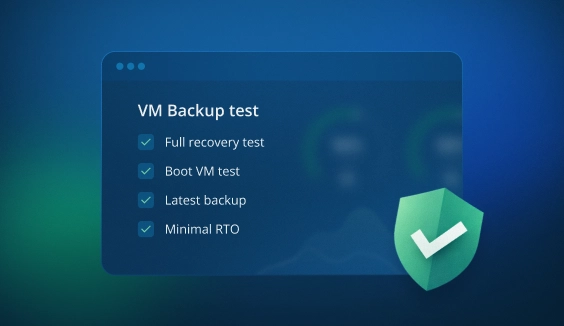
Test full machine restoration or run VMs directly from backup. Use reporting to verify backups and monitor RPO/RTO metrics.
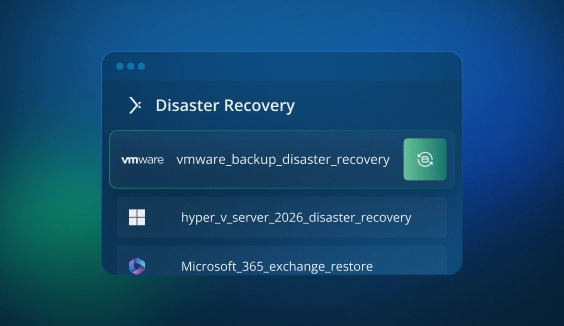
Restore VMs using Instant Restore, then follow up with full restoration later to minimize downtime.
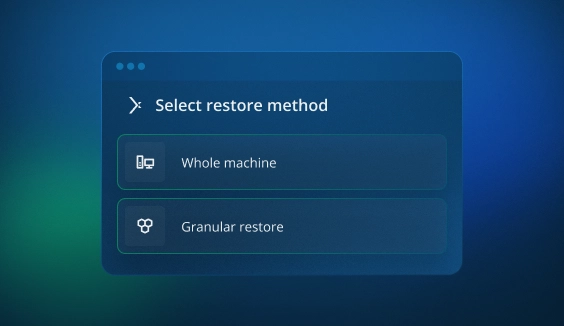
Restore VMware VMs entirely or granularly from any point in time. Browse backup contents using iSCSI and a built-in file explorer.
Xopero secures VMware data through unified protection layers powered by SphereCyberX technology.

AES encryption, private keys, secure authorization, SSL transfer, and No Single Point of Failure (NSoF) to ensure data security.

Granular Role-Based Access Control (RBAC), user activity logs, plus MFA and SSO for enhanced security.

Features engineered to maintain business continuity in the event of a failure with minimal RTO.

Comprehensive reporting, system logs, and notifications to help meet NIS2, ISO 27001, or SOC 2 requirements.
Store VMware backups in any location or multiple sites simultaneously. Use Xopero Cloud, any S3-compatible public or private cloud, as well as local storage.

Google Cloud

AWS

Backblaze B2

Wasabi

Azure Blob

On premises
Xopero is engineered to simplify and streamline backup management, so you can unlock IT resources and allocate elsewhere.

Manage backup and recovery for any number of VMware VMs from a single console.

Deduplication and compression reduce network and storage usage, while Changed Block Tracking (CBT) backs up only modified data blocks.

Automate backup schedules, replication, and recovery testing.
Back up and restore VMs to prevent data loss and minimize downtime.

Flexible data retention periods ensure recovery options and regulatory compliance.

Track backup status through a comprehensive dashboard and notification system.
System Admin
The manufacturer's tailored approach and very efficient support during tests influenced our decision to purchase the solution.
IT Manager
Thanks to the various possibilities of backup performance - data restoration is highly efficient and hassle-free.
Chief Electrician for CME
Thanks to Xopero Software, we managed to meet compliance with underground mining industry standards.
ICT Specialist
Numerous options for customizing plans, user groups, backup types - it’s just a quick glance; we can be sure that everything is protected.
Head of the IT Department
Xopero Unified Protection is a reliable solution that has significantly improved our approach to backup and data protection.
Senior IT Specialist
Xopero Unified Protection is a comprehensive solution that protects our data from ransomware encryption and makes backup management and data recovery simple.
 Ana K.
Lead automation engineer, Small-Business
A complete package for all the backup and securing data purposes. For me, there are no dislikes for now.
Aarav A.
Data Analyst, Mid-Market
The support provided by the tool is excellent—the team is knowledgeable enough, and they provide 24*7 support.
Vaishali A.
Operations Executive, Enterprise
It is the best tool for backing up data and data security. It works well with all kinds of operating systems, such as Mac, Linux, Microsoft, etc.
Computer Software Industry
Small Business
No need to invest in physical servers as [Xopero ONE] has cloud-based management—there is a secure Xopero cloud to keep the management service. Backups can be stored on nearly any storage.
Pranay M.
Senior Executive Talent Acquisition, Mid-Market
Very easy to use and can be used across various platforms. Backup of data can be done in a simple manner.
 Leroy M.
IT Computer & Network Security
Xopero ONE is easy for implementation on-premises and in the cloud. It quickly creates backups for endpoints and servers. [and offers] fast and easy restore on virtual machines and Bare Metal.
Łukasz D.
IT Administrator
With this software, I have been able to create a complete backup system and not have to constantly check to see why copies are not being made.
Shashwat V.
Software developer
It [Xopero ONE] offers reliable cloud storage, flexible scheduling, and efficient recovery processes, ensuring data is always secure and easily accessible.
Zsombor L.
IT Project Manager, Computer Software
Xopero ONE has become a game-changer, especially in cases like the crash of our server, where we seamlessly restored our virtual machines without a hitch. The security it offers has transformed our disaster recovery strategy
Associate Flutter Developer
Computer Software
Xopero ONE shines in its focus on usability. The user-friendly interface makes it a breath of fresh air compared to complex backup solutions. For businesses that prioritize ease of use, it's a clear winner.
Łukasz T.
Cybersecurity specialist, Computer & Network Security
Easy configurable and easy to implement in your infrastructure. Has all the features you actually need in your backup software.
Flavien V.
Cybersecurity specialist, Computer & Network Security
What seemed the most remarkable about Xopero ONE is the broad coverage of sources for protection: endpoints, servers, virtual machines, and cloud services.
Artur Ś.
Administrator IT, Outsourcing/Offshoring
Xopero is easy to implement and use. Works well with NAS. You can run the copy as a virtual machine.
Patryk B.
IT Science, Information Technology and Services
Very advanced, configurable and helpful. Mid-tier cost, a lot of notifications if something happens.
 Software Industry
Data and Analytics
The things I like about Xopero One the most are: its flexibility, ease of use, and robust disaster recovery options. All of this makes it a reliable choice for comprehensive data protection.
Energy and Utilities
IT Security and Risk Management
Great for backups in OT environments. Easy to use, reliable, compliant with cybersecurity standards—all that I need.
IT Services
Sales and Business Development
I appreciate contact with the vendor. Professional knowledge, easy interface for admins, multifunctional system, available for small businesses.
IT Services
Customer Service and Support
What I like the most is its centralized management that makes it easy to handle backups for multiple clients in one place.
Peer Insight Reviewer
IT Services
Easy to use, fast to deploy! Good encryption, many options and features that are easy to find and configure.
IT Services
Sales and Business Development
[Xopero ONE] has various subscription models and the perpetual license option that others are slowly phasing out. Intuitive design and user-friendly interface make backup and recovery processes straightforward.
Secure virtual machines, ESXi clusters, hypervisors, and vCenter using backup software trusted by Fortune 500 companies.
It is a specialized solution designed to back up virtual machines within VMware vSphere (vCenter/ESXi) environments for protection and recovery.
This can be software-based, like Xopero ONE Backup & Recovery, which requires external storage (local, network, or cloud, including Xopero Cloud, to which access is included within Xopero’s backup system).
VMware backup can also be achieve as part of an all-in-one appliance (hardware and software), such as Xopero Unified Protection. This enterprise-grade solution combines Xopero ONE software with secure S3 Local Storage and advanced physical isolation (air-gapping) and data immutability. It is built for organizations requiring maximum protection against ransomware and modern cyber threats.
Beyond standard scheduling (frequency and backup windows), consider support for multiple operating systems to protect more than just VMs. Key requirements include backup strategy support, advanced features like deduplication, flexible retention management, and robust data security layers.
Furthermore, high-quality VMware backup software should integrate with industry standards and native technologies to ensure consistency and performance. Essential features include agentless deployment, VSS, Quiescing, and Changed Block Tracking (CBT).
These elements are critical for a successful data protection and recovery strategy in virtualized environments.
Backup provides point-in-time copies of critical data that can be restored via Disaster Recovery features if a VM fails or access is lost.
Without functional, easily restorable copies, resuming operations could be significantly delayed—or impossible—while waiting for specialized data recovery services.
A robust backup strategy and solution are therefore essential for maintaining business continuity and protecting a company’s financial interests and reputation.
Xopero ONE Backup & Recovery requirements for VMware are as follows:
For more information, please visit our knowledge base.
Xopero ONE Backup & Recovery utilizes snapshot-based backup technologies, leveraging native solutions like VSS (Volume Shadow Copy). This allows for reliable processes, including image-level and application-aware backups, ensuring full data integrity during the recovery process.
Furthermore, you can use the automated restoration test feature to verify that the virtual machine boots and functions correctly after the backup is completed. For more detailed information, please refer to this article in our knowledge base.
Xopero ONE ensures business continuity by providing seamless backup processes, reliable data protection, and rapid recovery options.
Key features supporting business continuity include Instant Restore, which allows for the immediate resumption of critical virtual machines, and Test Restore. The latter ensures your VMware backups are consistent, error-free, and ready to restore operations instantly when needed.
In short, Instant Restore enables the immediate recovery of a virtual machine, minimizing downtime and the unavailability of services or resources.
Technically, this feature launches a VMware VM by using its configuration files and mounting the disk directly from the backup storage. This bypasses the need to copy all data first, allowing you to skip the wait for a full restoration. You can then perform a complete recovery at a more convenient time (e.g., after business hours).
This approach allows for the near-instant recovery of critical VMs, ensuring that clients, employees, and partners experience no service interruptions. Consequently, you avoid excessive support tickets, reputational damage, and financial losses.
VMware snapshots are temporary copies intended for short-term use, whereas backups provide a durable, secure copy designed for long-term storage and disaster recovery.
A snapshot functions like a change log for a virtual machine. While it tracks modifications, it is dependent on the original virtual disk; if that disk fails, the data cannot be recovered.
In contrast, a full backup creates a complete image of the entire VMDK file. This allows for a full restoration regardless of what happens to the original disk or the virtual machine itself.
For a deeper dive into this topic, you can read our detailed guide on snapshot technology on the Xopero blog.
Xopero ONE Backup & Recovery is a versatile solution designed to protect an entire organization's IT infrastructure, including endpoints, servers, NAS devices, virtual machines, Microsoft 365, and DevOps environments.
Regarding non-VMware virtualization, we offer backup for Microsoft Hyper-V using Windows Server 2016 and newer. Simply install the agent on the Windows Server host; there is no need to install it on each individual VM.
Absolutely. We offer a 14-day, unlimited free trial available [at this link]. You can sign up using your email, Google, or Microsoft account.
Depending on your preferred deployment model, you can choose between the SaaS (cloud) or on-premises version of our management console.
Once registered, you can start immediately:
1. Connect to VMware: Install the Xopero ONE agent on any endpoint or server that can communicate with your VMware host. Authenticate to the host to automatically add all your VMs to the management console.
2. Automate Protection: Create a backup plan for all or selected VMs to secure your data.

